How to Build Slack DM Audiences From Bonusly Recognition and Awards
Learn how to use Threadly's Bonusly integration to build dynamic Slack DM audiences filtered by who's given or received recognition and awards — evaluated live, every time you send.
Productivity tips, product updates, and guides to help you get the most out of Slack and Threadly
Learn how to use Threadly's Bonusly integration to build dynamic Slack DM audiences filtered by who's given or received recognition and awards — evaluated live, every time you send.

Most Slack DMs are a dead end — you send something, hope the person acts on it, and follow up a few days later. Here's why adding a button or form to a 1:1 message changes the whole dynamic, and how /sendmessage makes it easy.

Skio needed a better way to collect employee feedback, offsite logistics, and anonymous questions — without sending people to a Google Form. Here's how they built it all inside Slack with Threadly Forms.
Stop chasing people for meeting times in Slack. Learn how Threadly turns simple Slack messages into booked meetings using workflows, buttons, and calendar integrations—without adding another tool to your stack.

Learn how to use Threadly's HubSpot integration to embed HubSpot Meetings booking links in Slack, so prospects and customers can schedule calls without leaving Slack.

Learn how to use Threadly's Calendly integration to embed booking links in Slack broadcasts, so customers and partners can schedule meetings without leaving Slack.

Learn how to use Threadly's Cal.com integration to embed booking links in Slack broadcasts, so customers and partners can schedule meetings without leaving Slack.
Threadly has been completely rebuilt with powerful new features including native Slack meeting scheduling, custom forms, dynamic CRM segments, and transparent seat-based pricing. Discover what's new.
.gif)
Discover 8 powerful new features in Threadly to automate Slack workflows, personalize messages at scale, integrate with Notion, and broadcast across channels. Built for internal teams, partners, and customer communication.
.gif)
Threadly now offers powerful Slack Workflows — automate broadcasts, blasts, onboarding, and proactive support messaging across channels with ease. Try it today!

With the holidays and new year approaching, it's important to prepare your clients and your team with your out-of-office plans. Here are four suggested steps to get ready.

We're thrilled to introduce our new integration with HubSpot, a popular CRM. HubSpot is the customer relationship management tool for everyone who values collaboration.

Grab the scoop how Threadly can streamline your communication for events like National Ice Cream Day. Boost your Slack productivity with multi-channel sending, custom CTAs, and more.

Your Slack sidebar gets cluttered over time. This post guides standardizing channel names for clarity: using prefixes like #proj-, #team-, #fun!

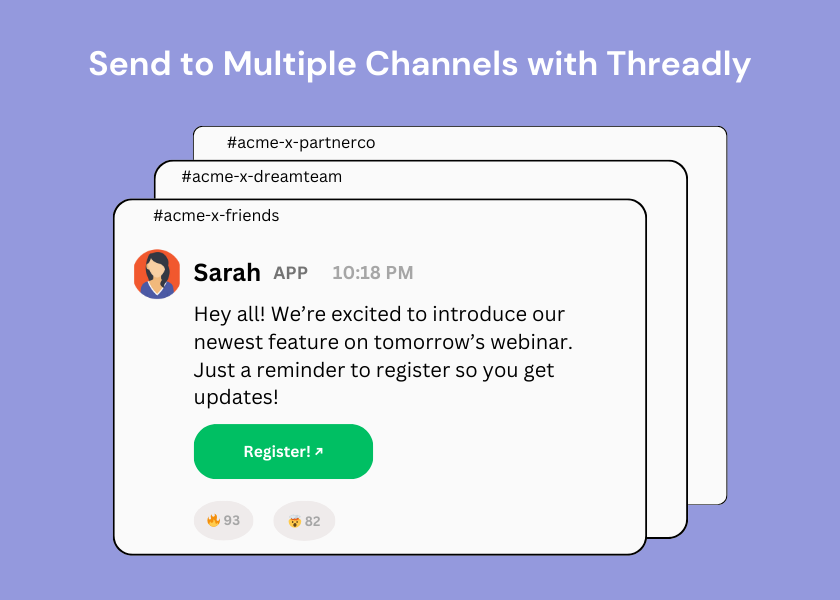
Threadly helps you send to multiple Slack channels with one quick and easy flow. From customizing the look and feel, to adding custom call-to-action buttons, Threadly is your go-to for mass sending.

Full of Slack notifications? Discover the hidden Shift+Esc shortcut to instantly clear all alerts and reclaim your calm workspace.


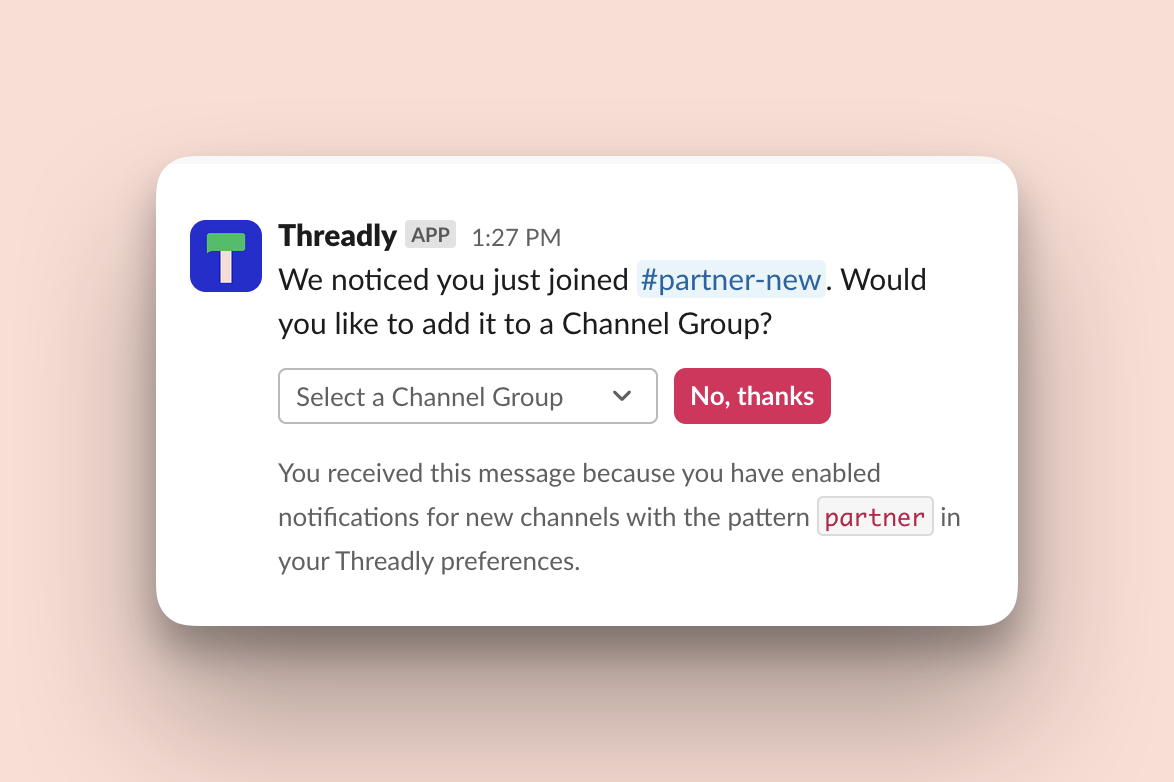
If you're a Slack power user, you know the challenge of managing an ever-growing list of channels. Today, we're thrilled to introduce Dynamic Segments – your new secret weapon for Slack mastery.

We're thrilled to introduce our new integration with Attio, a popular CRM. Attio is the customer relationship management tool for everyone who values collaboration.
.png)
Keep your team’s conversations organized and boost productivity with Slack threads. Learn tips and tricks for mastering this feature and start using it today.

With July 4th just weeks away, it's important to prepare your clients and your team with your out-of-office plans. Here are four suggested steps to get ready.

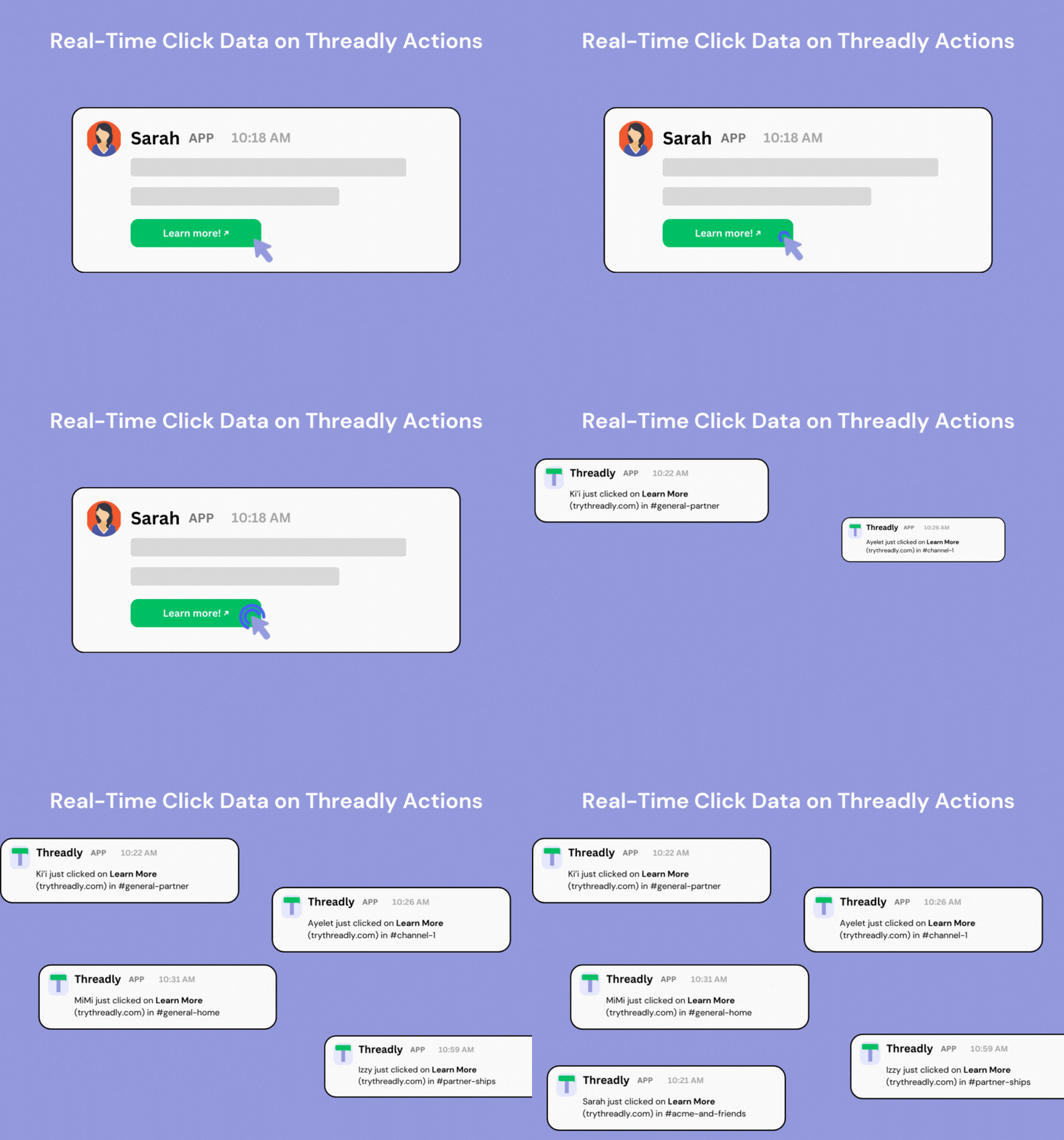
We're excited to introduce Action Notifications! Unlocks real-time click data for all of your Threadly CTAs.

As we continue to turn Slack into a channel of its own, take a peek into what we've been up to and explore our product updates.

Learn 9 powerful, must-use features to make your Slack experience smoother, faster, and more productive.